
 Feedback
AI for Contractors: 10 Simple Ways to Save Time on Construction Work
Posted by Best Access Doors on 31st Aug 2026
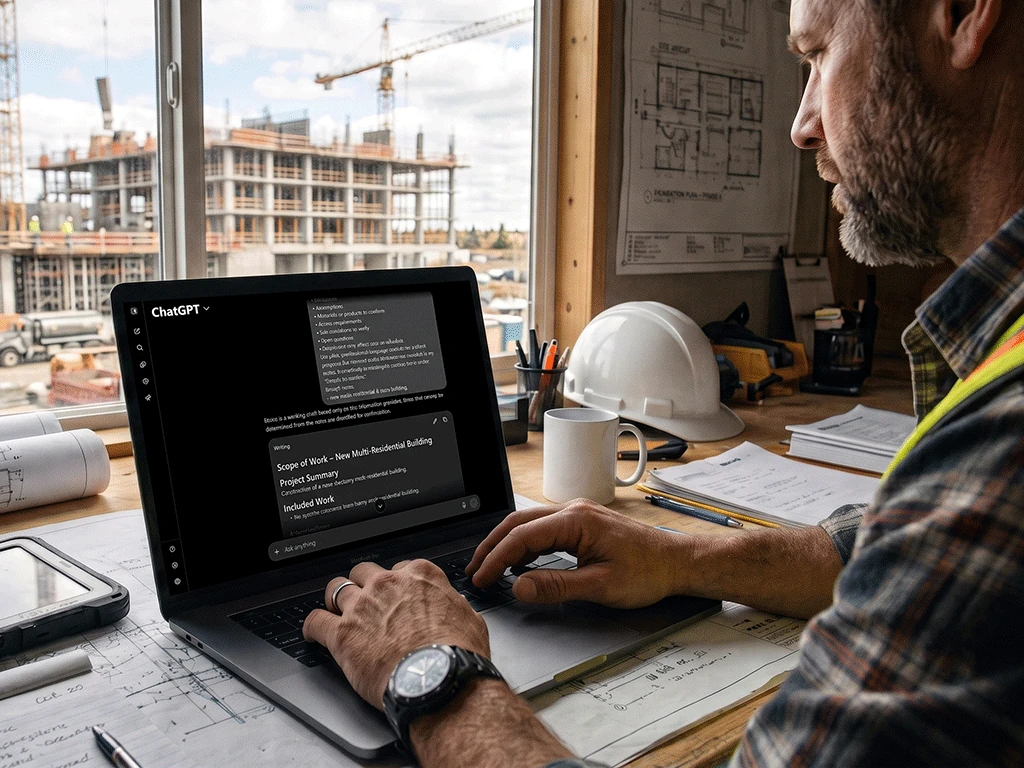
Contractors do more than manage work on-site. They also handle paperwork, emails, punch lists, specs, and project coordination. That admin work adds up fast, especially for those managing multiple jobs at once.
This is where AI can help.
AI for contractors is not about replacing human labor or personal judgment. It's about saving time on repetitive office tasks so you can focus on running projects.
Today, many contractors use AI tools to write scopes of work, organize punch lists, summarize specs, draft project emails, compare product options, and plan maintenance access before construction begins.
Here are 10 practical ways contractors can use AI to save time on construction work.
1. Turn Rough Notes into a Scope of Work
A scope of work can take time to write, especially when your starting point is a mix of walkthrough notes, client comments, photos, and reminders.
AI can help organize those rough notes into a cleaner structure. You can ask it to include a project summary, included work, exclusions, assumptions, materials to confirm, access requirements, and open questions.
For example, your notes may say: "Install ceiling access panel near HVAC. Confirm opening size. Check if the fire rating applies. Need quote by Friday."
That may be clear to you, but it's not ready to send. Tools like ChatGPT for contractors can turn it into a more polished working draft. However, you still need to review the final scope and confirm all details before it goes out.
2. Organize Punch Lists Faster
Punch lists can become messy when notes come from site walks, photos, texts, emails, and quick conversations. AI can help turn those scattered notes into a more organized list.
You can ask AI to sort punch list items by location, trade, urgency, responsible party, and completion status. This makes the list easier to assign and follow up on.
Instead of keeping notes like "paint touch-up near panel" or "check latch in electrical room," AI can help create a clearer table with the issue, location, responsible trade, and missing details.
3. Summarize Product Specs and Submittals
Product specs and submittals can be long. Contractors may need to quickly identify product type, size, material, finish, fire rating, installation notes, limitations, and required documents.
AI can help summarize this information into a shorter working version before ordering or asking a supplier for help. This is useful for access doors, fire-rated products, stainless steel products, and custom-size openings.
However, AI tools for contractors should not be used as the final authority. Always check official product submittals, manufacturer documents, and AHJ requirements where applicable.
4. Draft Project Emails More Quickly
Contractors send many emails, including client updates, supplier questions, subcontractor reminders, quote requests, and follow-ups on missing details.
AI can help turn rough notes into a clearer email. You can tell it who the email is for, what you need, what tone to use, and what details to include.
For example, you can ask AI to write an email to a supplier requesting confirmation of rough opening size, fire rating requirements, finish, lead time, and submittal documents for an access door.
5. Compare Product Options
Sometimes contractors need to compare product options before making a decision. AI can help organize the details side by side.
For access doors, this may include wall or ceiling application, opening size, fire rating, material, finish, environment, service frequency, and lock needs. AI can create a comparison table and list missing details or questions to ask the supplier.
The key is to avoid asking AI to make the final product decision without complete project details. Use it to prepare better questions before contacting a product expert.
6. Plan Maintenance Access Earlier
Maintenance access is easy to miss during early planning. Once walls, ceilings, and finishes are complete, missing access points create problems later.
Access doors and panels are planned service openings. They help technicians reach concealed HVAC, plumbing, electrical, and life-safety systems without damaging finished surfaces.
AI can help review project notes and identify areas where maintenance access may be needed. You can ask it to look for systems that require future service and list possible access points, locations, and details to confirm.
7. Prepare Change Order Explanations
Change orders need to be clear. Clients may not understand why a change is needed, especially when it affects cost, schedule, or product requirements.
AI can help draft a plain-language explanation covering the original scope, the required change, the reason, the project impact, and items still needing confirmation.
This is useful when changes involve site conditions, custom sizing, fire-rated requirements, or added access needs. However, AI should only explain the information you provide, not invent pricing, dates, approvals, or project details.
8. Clean Up Jobsite Meeting Notes
Jobsite meetings can cover decisions, questions, responsibilities, delays, supplier updates, and schedule concerns. Notes from these meetings are often rushed.
AI can help turn rough meeting notes into a clearer summary. You can ask it to organize the notes into key decisions, action items, responsible people, deadlines, open questions, and risks to monitor.
This makes follow-up easier and helps the team stay aligned on what was discussed and what needs to happen next.
Before sharing the summary, check that it matches the actual conversation. AI can misunderstand unclear notes, so the final review still matters.
9. Build Jobsite Checklists
AI can help turn a task or process into a practical checklist. Use it for site reviews, pre-installation checks, quality checks, closeout documents, or access door ordering details.
For example, you can ask AI to create a checklist of details to confirm before ordering an access panel. This may include location, opening size, wall or ceiling application, fire rating, finish, environment, and service frequency.
10. Explain Estimate Details in Plain Language
Clients may ask why certain items are included in an estimate. AI can help explain the reasoning clearly.
For example, it can help clarify why a fire-rated access door costs more than a standard option, why stainless steel may be needed in wash-down areas, or why a custom size can prevent rework later.
AI handles the explanation, but the numbers and approvals are still yours to confirm.
What Contractors Should Not Trust AI to Do Alone
AI tools can assist with drafting and organizing, but they should not make final decisions for the project.
Do not rely on AI alone to confirm code compliance, approve fire-rated products, create final pricing, interpret contracts, make safety decisions, or replace official project documents.
A safer approach is to ask AI for questions, not final approval. Instead of asking "Does this access door meet code?" ask "What details should I confirm before ordering a fire-rated access door for this project?" That keeps AI in the right role.
Final Thoughts
AI for contractors works best when it is practical. It can help turn rough notes into clearer scopes, punch lists, summaries, emails, checklists, product questions, and change order explanations.
It won't replace construction experience, project documents, supplier support, or professional judgment. But it can reduce the time spent cleaning up notes and starting documents from scratch.
Use AI to draft, organize, or prepare better questions. Then review everything before moving forward.
Download Our Free Contractor AI Prompt Pack
Want an easier way to start using AI on real construction tasks?
Download the Free Contractor AI Prompt Pack from Best Access Doors. It includes copy/paste construction AI prompts for scopes of work, estimate explanations, project emails, punch lists, submittal summaries, access door selection, fire-rated access door questions, maintenance access planning, change order explanations, and more.