
 Feedback
Best AI Prompts for Contractors
Posted by Best Access Doors on 31st Aug 2026
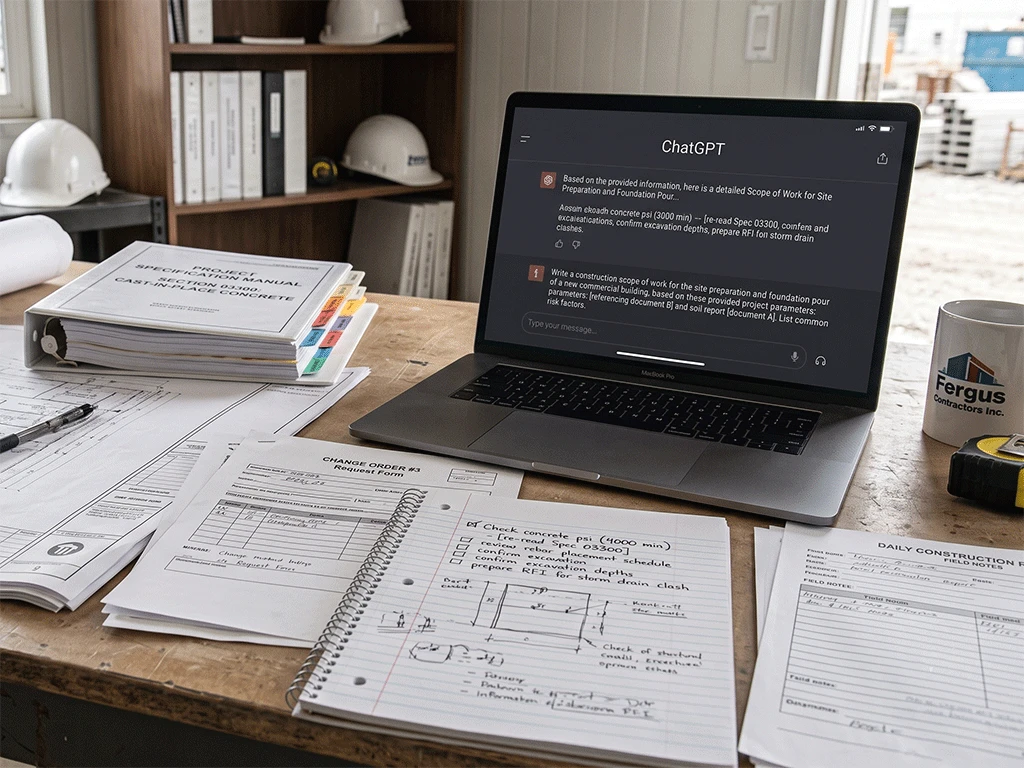
Contractors already know what needs to get done. The problem is the writing. Scopes of work, punch lists, project emails, and estimate explanations—these tasks take time that most contractors do not have at the end of a long day on-site.
The best AI prompts for contractors are those built around the work you are already doing.
A prompt is a plain-language instruction you type into a tool like ChatGPT. You paste in your rough notes, run the prompt, and get a working draft to review and send.
The 5 prompts in this article cover the construction tasks that eat up the most writing time. Each one is ready to copy, paste, and fill in.
How to Use These AI Prompts
Before using any prompt, gather the details you already have. This may include project notes, client comments, site conditions, measurements, product requirements, photos, deadlines, and open questions.
These ChatGPT prompts for contractors work the same way in other AI tools. Paste the prompt, replace the bracketed section with your own notes, and run it. The process is straightforward enough for contractors who are new to ChatGPT to use on their first try.
After AI gives you a draft, review it carefully. Make sure it did not add details you did not provide. If something is unclear, ask AI to list the missing details instead of guessing.
1. Scope of Work Prompt
Use this when you have rough notes and need to turn them into a clearer scope of work.
Copy/Paste Prompt:
Act as a construction project coordinator. Turn the rough notes below into a clear scope of work that I can review and use as a working draft.
Organize the scope using these sections:
- Project summary
- Included work
- Exclusions
- Assumptions
- Materials or products to confirm
- Access requirements
- Site conditions to verify
- Open questions
- Details that may affect cost or schedule
Use plain, professional language suitable for a client proposal. Do not add details that are not included in my notes. If something is missing or unclear, list it under “Details to confirm.”
Rough notes:
[Paste notes here]
This prompt is helpful after walkthroughs, client calls, or project discussions where the notes are clear to you but not ready to send.
2. Estimate Explanation Prompt
Use this when you need to explain estimate details to a client in plain language.
Copy/Paste Prompt:
Act as a construction estimator. Help me explain the estimate details below to a client in plain language.
The goal is to help the client understand what is included, why certain items are needed, and what may affect the final cost. Do not change the pricing. Do not invent costs, dates, approvals, or product requirements.
Organize the explanation using these sections:
- Short project summary
- What is included in the estimate
- Main cost drivers
- Product or material notes
- Items that need confirmation
- Why does doing the work correctly matters
- Client-friendly closing note
Estimate details:
[Paste estimate details here]
This can help when explaining fire-rated access doors, stainless steel materials, custom sizing, or other items that may need more context.
3. Project Email Prompt
Use this when you need to draft a clear project update, request, follow-up, or reminder.
Copy/Paste Prompt:
Act as a construction project manager. Draft a clear project email based on the notes below.
The email should be professional, direct, and easy to understand. It should clearly state what happened, what is needed, who needs to respond, and by when, if a deadline is provided.
Include:
- Subject line
- Short opening
- Main update or request
- Action items
- Deadline or next step
- Polite closing
Do not add details that are not in my notes. If something is missing, list it separately under “Details to confirm.”
Notes:
[Paste notes here]
This prompt can save time when writing to clients, suppliers, subcontractors, or internal project teams.
4. Punch List Prompt
Use this when you need to organize walkthrough notes into a clear punch list.
Copy/Paste Prompt:
Act as a construction project coordinator. Turn the walkthrough notes below into a clear punch list.
Create a table with these columns:
- Item number
- Location
- Issue or task
- Trade or responsible party
- Priority
- Completion status
- Notes or missing details
Use plain language. Do not make up information. If the responsible party, priority, or location is unclear, mark it as “Needs confirmation.”
After the table, list the top follow-up questions I should confirm before assigning the punch list.
Walkthrough notes:
[Paste notes here]
This is useful when notes come from site walks, photos, text messages, and quick reminders.
5. Submittal Summary Prompt
Use this when you need to summarize product specs or submittal notes.
Copy/Paste Prompt:
Act as a construction documentation assistant. Summarize the product submittal or spec notes below so I can review the key details faster.
Organize the summary using these sections:
- Product name or type
- Intended application
- Material or finish
- Size, dimensions, or rough opening details
- Fire rating or testing information, if mentioned
- Installation notes
- Limitations, warnings, or special conditions
- Documents or details to verify
- Questions to ask the supplier, project authority, or AHJ
Important: Do not make final code, approval, or compliance decisions. If information is missing, say “Not provided.” If a detail needs official confirmation, mark it as “Verify in official documents.”
Submittal/spec notes:
[Paste notes here]
Always check the AI summary against official submittals, project documents, and manufacturer information.
How to Get Better Results from Construction AI Prompts
The prompt matters. If you give AI vague instructions, you will usually get a vague answer.
A good construction AI prompt should include:
- The role AI should take
- The task you want completed
- The format you want
- The notes or details AI should use
- The limits AI should follow
It is also helpful to tell AI what not to do. For example, ask it not to invent missing details, pricing, dates, approvals, or code requirements.
After AI gives you a draft, you can improve it with follow-up prompts like:
- Make this shorter.
- Turn this into a checklist.
- Make this easier for a client to understand.
- List the missing details.
- Remove anything that sounds like a guarantee.
- Organize this by trade and priority.
Final Thoughts
The best AI prompts for contractors are practical. They help turn rough notes into clearer documents, emails, checklists, summaries, and questions.
AI will not replace project judgment, supplier support, official documents, or field experience. But it is one of the more practical ways contractors are saving time on construction work right now.
Use these prompts as working drafts. Review the output, correct the details, and confirm anything that affects pricing, product selection, code requirements, or project approval.
Get More Contractor AI Prompts
Want more copy/paste prompts for common construction tasks?
Download the Free Contractor AI Prompt Pack from Best Access Doors for a fuller set of contractor prompt templates. It covers jobsite meeting notes, change orders, RFI drafts, delay explanations, material takeoff notes, supplier quote requests, access door selection, and more.
Construction professionals can also join Pro Club for exclusive benefits, dedicated support, and construction-focused resources from Best Access Doors.